
 Before After
 Remove what should not be there
“Remove all the other people from the background”
Describe the change you want to a photo, or the image you want from scratch. One picture, a batch of fifty, or a blank canvas.

 Original Edited
 Say what should be different and the rest of the photo stays as it was. No masks, no layers, no selecting. Drag any picture to compare.
Before After “Remove all the other people from the background”

 Before After
 “Put the sneakers on wet dark slate with a teal backdrop and rim lighting”

 Before After
 “Change her outfit to a black leather jacket, grey tee and black jeans”
The studio generates images from a description: product shots, posters, illustrations, concept art. Then you keep working on them with the same plain-English edits.
 9:16
9:16  16:9
16:9  3:4
3:4  4:3
4:3  1:1
1:1  1:1
1:1 A generated image is a starting point. Keep changing it with words, then export it to the exact size a marketplace asks for.
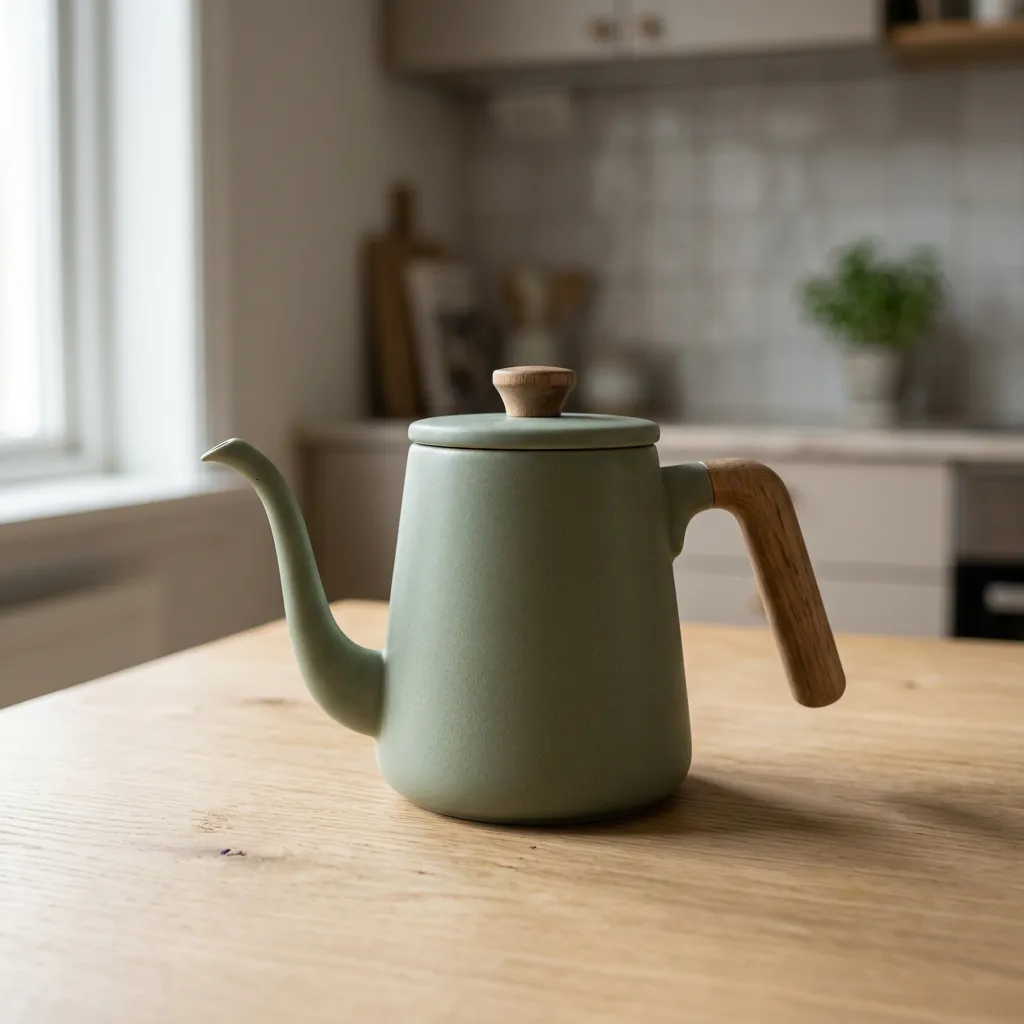
01 Generate
“A sage-green pour-over kettle on an oak table, window light”
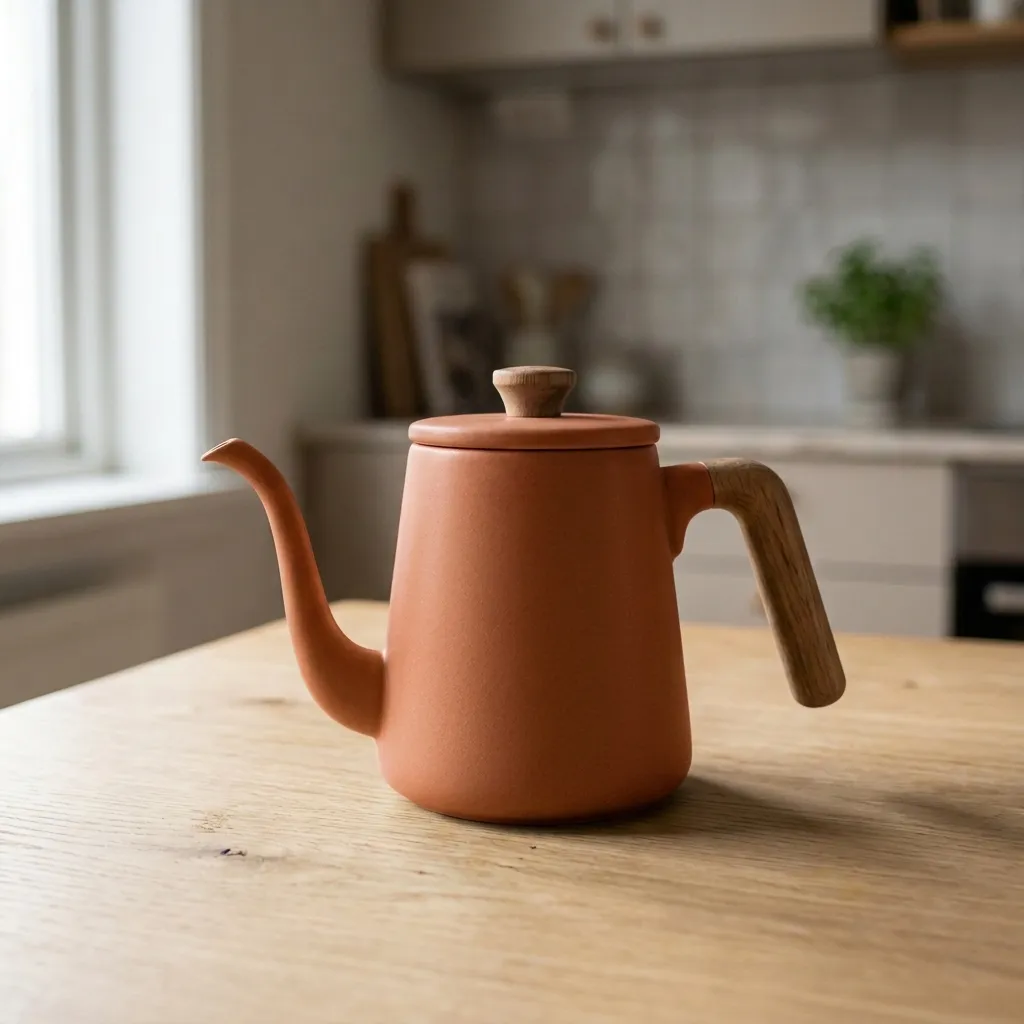
02 Edit
“Change the kettle to matte terracotta”
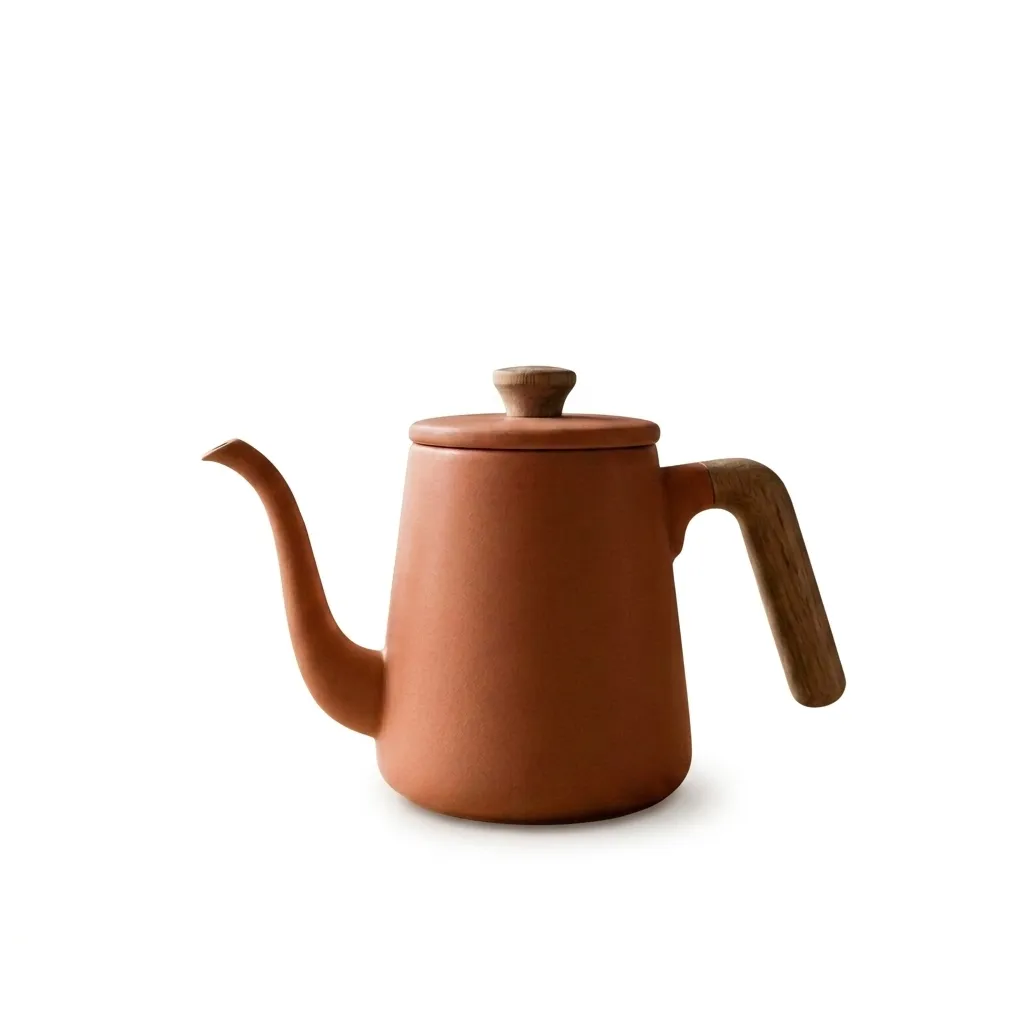
03 Edit again
“Put it on a pure white background”
1600 × 160004 Export
Amazon main image: 1600x1600, JPEG, #ffffff background, subject 85% of frame, max 10 MB. Exporting is free.
Drop in a folder, describe the change once, and get every image back at the exact size, format and background a marketplace or social platform asks for. The result is measured on the finished file.
Exporting to a spec is free — it costs us processing, not AI credits. Credits are only spent when you ask the AI to change the image itself.
Whether you're selling products or creating content, editing a photo or starting from a prompt.
Remove backgrounds, add professional lighting, and create consistent product imagery at scale.

Generate thumbnails, apply trending styles, and maintain a consistent visual brand across platforms.

Create campaign visuals, A/B test different styles, and iterate rapidly without designers.
Enhance photos, apply artistic effects, and deliver more to clients in less time.
See how we compare to traditional photo editors
| Feature | ZeroEdit | Photoshop | Canva | Remove.bg |
|---|---|---|---|---|
| Natural language editing | ✓ | ✗ | ✗ | ✗ |
| AI-powered transforms | ✓ | Plugin | Limited | ✗ |
| Background removal | ✓ | ✓ | ✓ | ✓ |
| Style transfer | ✓ | ✗ | ✗ | ✗ |
| Object removal | ✓ | ✓ | Pro | ✗ |
| No learning curve | ✓ | ✗ | ✓ | ✓ |
| Instant results | ~8 sec | Minutes | ~30 sec | ~5 sec |
| Free tier available | ✓ | ✗ | ✓ | ✓ |
See detailed comparisons: Free AI Image Editor · Canva Alternative
Get 1 free edit to experience the power of AI image editing. No credit card required.
billed monthly
Perfect for casual creators
billed monthly
For creators who edit regularly
billed monthly
For power users & teams
Right-click any image on the web and transform it instantly — the image transforms right where it lives.
Add to Chrome — FreeJoin 2,400+ creators using ZeroEdit to edit photos and generate new images by describing them.
Start editing freeNo credit card required 1 free edit included